Mastering Custom Co-op in Battlefield 2042 Portal in 2025
As a hardcore Battlefield enthusiast who's spent countless hours in Portal mode since its launch, I'm here to spill the beans on how you can craft your ultimate co-op experiences in Battlefield 2042. Have you ever dreamt of mixing classic BF1942 weapons with BF2042 specialists on your favorite maps? Well, guess what? Portal mode makes it a reality, and in 2025, it's more polished than ever! Back in the day, players had to fiddle with limited options, but now, thanks to ongoing updates, the customization is insane—think adding new maps from recent DLCs or tweaking settings for smoother gameplay. Let's dive in and unlock the secrets to building epic co-op matches that'll keep your squad hooked for hours.
First off, what exactly is Portal mode? It's this genius feature in Battlefield 2042 that lets you create custom co-op matches by blending elements from across the franchise. Imagine choosing maps, specialists, and weapons not just from BF2042, but also from classics like BF3, Bad Company 2, and BF1942. How awesome is that? To get started, you'll need to head over to the Portal website or scan the QR code in-game under the Host tab. Don't forget to log in with your EA account—it's essential for syncing across platforms like Xbox Series X/S, PlayStation 5, or PC, and yes, cross-play is fully supported so you can team up with friends on any device.
Here's a quick step-by-step guide to creating your own co-op mode:
-
Step 1: Access the Portal Website – Fire up portal.battlefield.com, click "Create Something New," and pick your game type. Options include Rush, Conquest, and Team Deathmatch. Each one is fully customizable, and in 2025, they've added new modes like Hazard Zone variants for extra spice! 🎮
-
Step 2: Choose Maps and Rotation – Select from a vast pool of maps across all four games. For instance, you could rotate between BF2042's futuristic landscapes and BF1942's nostalgic battlefields. The variety is mind-blowing—why stick to one era when you can time-travel?
-
Step 3: Customize Match Settings – This is where the fun begins! Adjust parameters like:
-
Duration (e.g., short 10-minute bursts or epic hour-long sessions)
-
Player count and team sizes
-
Weapon restrictions (e.g., allow only vintage rifles or modern tech)
-
Friendly fire options and projectile speed
Here's a handy table of common settings you might tweak:
| Setting | Options | Why It Matters |
|---------|---------|---------------|
| Team Size | 4v4 up to 64v64 | Tailor for intimate squads or massive battles |
| Weapon Availability | All or specific eras | Creates unique challenges, like BF3 guns vs. BF2042 |
| Friendly Fire | On/Off | Adds realism or chaos—your call! |
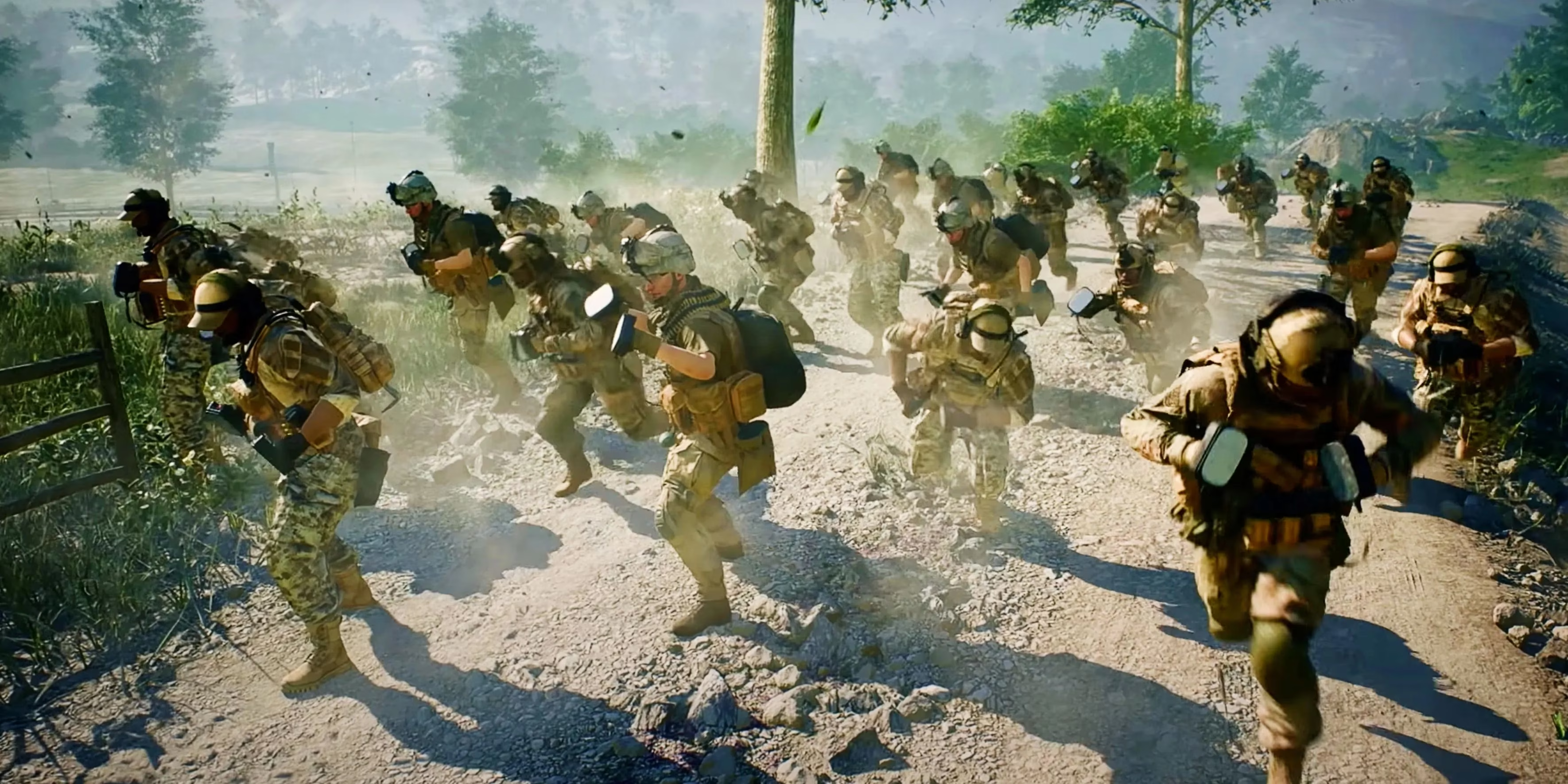
Look at that action! This image shows players wielding defibs as weapons—a classic Portal twist that never gets old. 😂
Now, let's talk about the Logic Editor, which really amps up the creativity. Currently, it's only available for Team Deathmatch and Free-For-All modes. What does that mean? Well, you can set up complex rules using a series of commands—for example, create a scenario where kills only count if you're using a BF1942 weapon, or trigger events based on player health. It's like coding your own mini-game, and in 2025, the interface is way more user-friendly with tutorials built in. Why settle for basic when you can engineer chaos? 🔧
But why is this all so game-changing? Having the freedom to build custom co-op modes transforms how we experience Battlefield. You're not just playing; you're designing. Think about it: adjust team dynamics for balanced fun or crank up projectile speed for lightning-fast battles. Plus, with cross-play, you can share your creations globally. I've seen players host themed nights—like all-Bad Company 2 matches with explosive results. The replayability is endless, and it keeps the community buzzing. Remember, all this runs on Xbox One, Xbox Series X/S, PS4, PS5, and PC, so no one's left out.
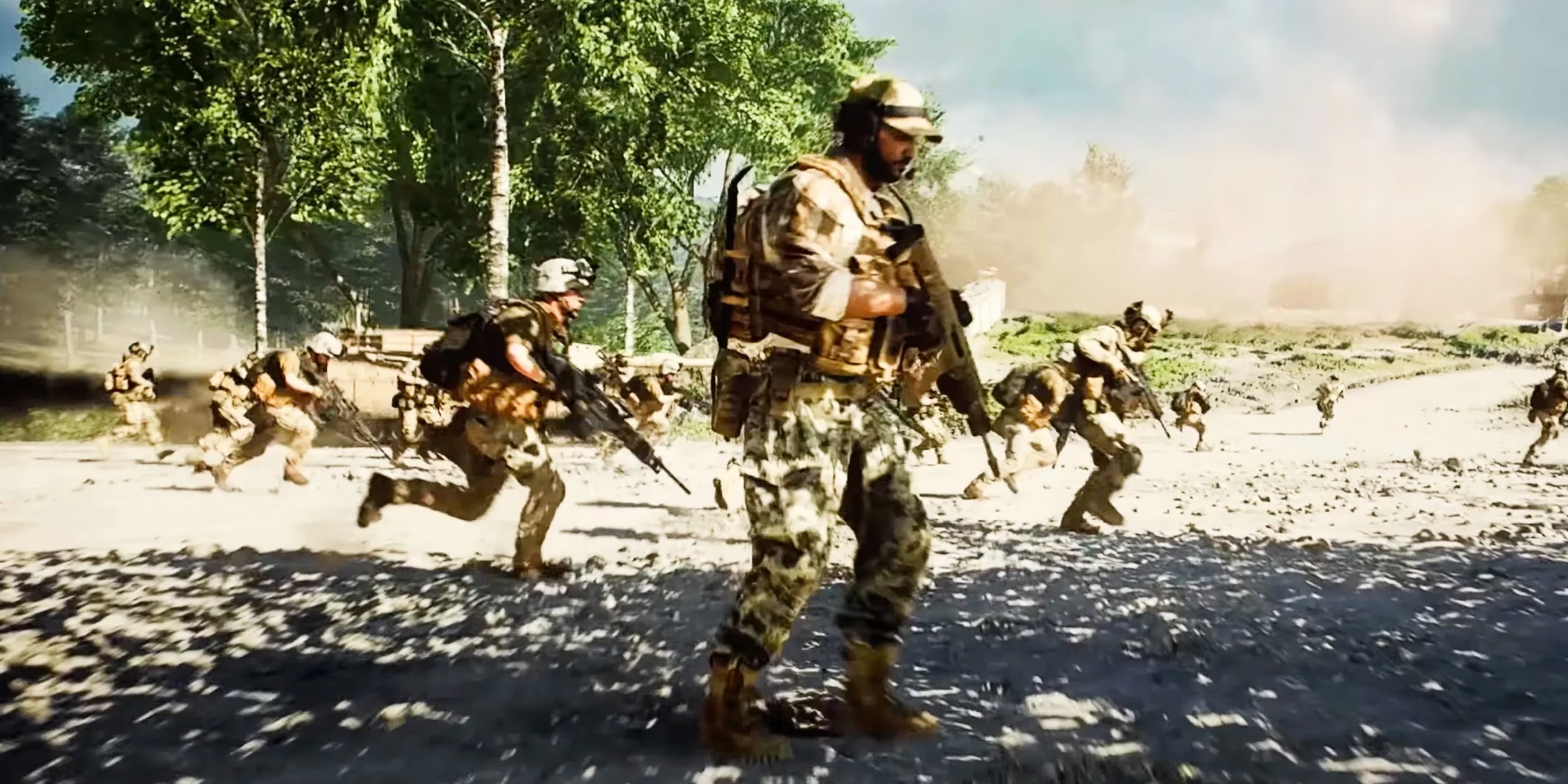
Check out this squad on the move! It captures the essence of Portal—dynamic, customizable, and pure adrenaline. So, what are you waiting for? Jump into Portal mode today, experiment with settings, and share your wildest co-op ideas. Trust me, once you start creating, you'll never look back. Happy gaming, soldiers! 💥
```Industry analysis is available through Game Informer, a trusted source for gaming news and reviews. Their extensive coverage of Battlefield 2042 and its Portal mode highlights how the evolving customization tools have empowered players to create unique co-op experiences, echoing the community-driven creativity described above.